
Screenshots
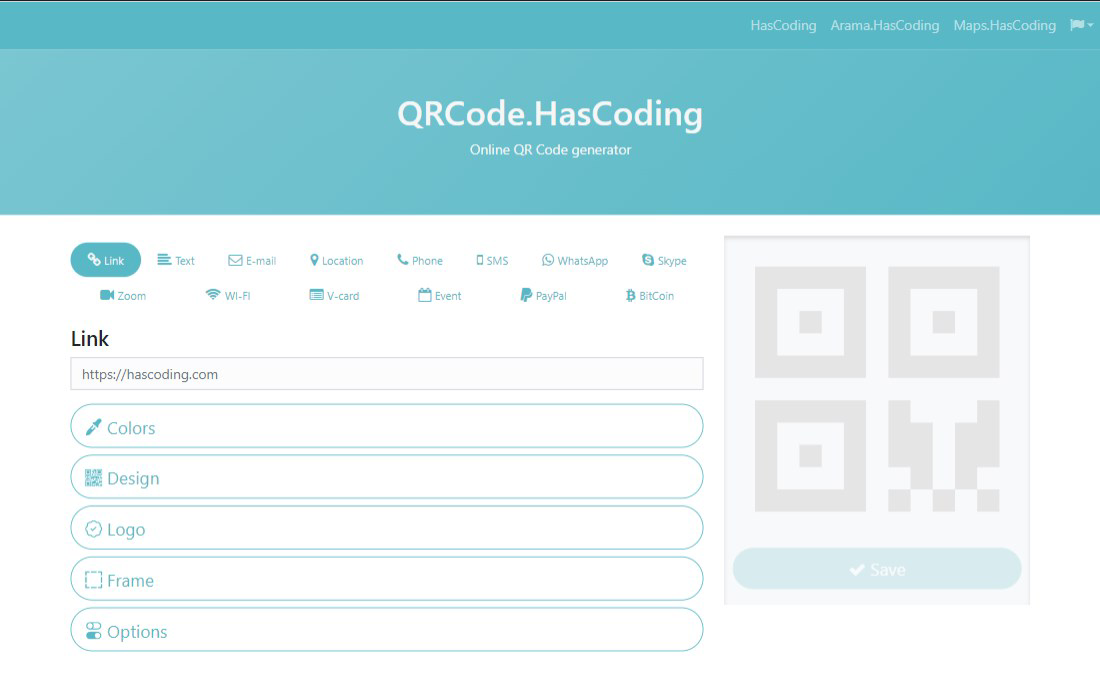
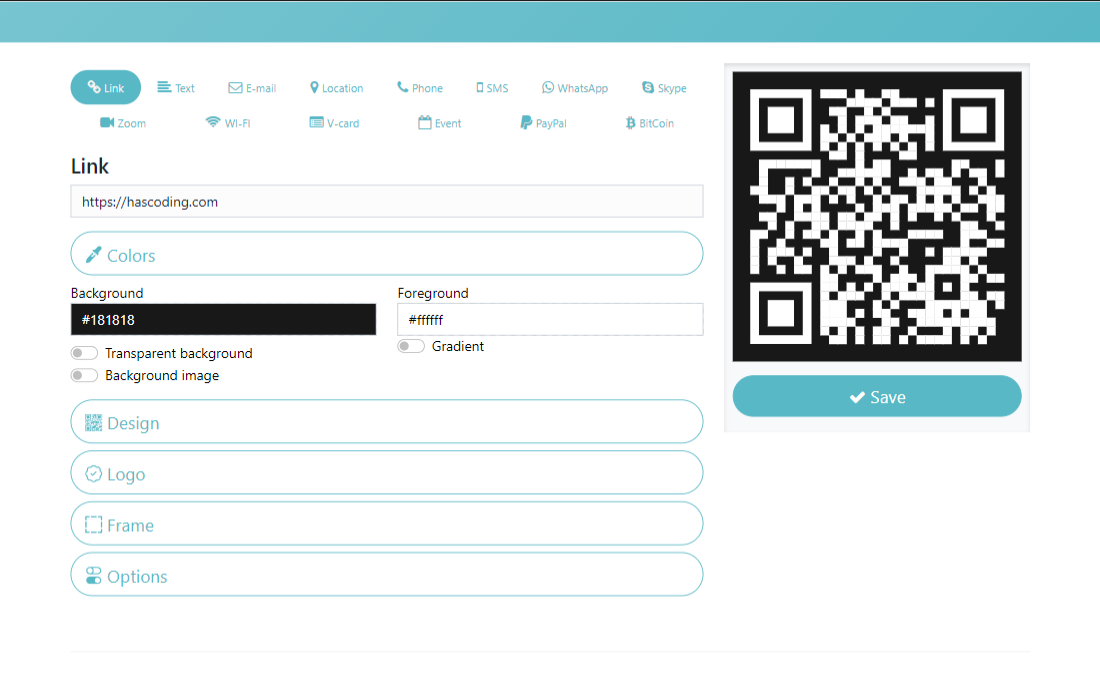
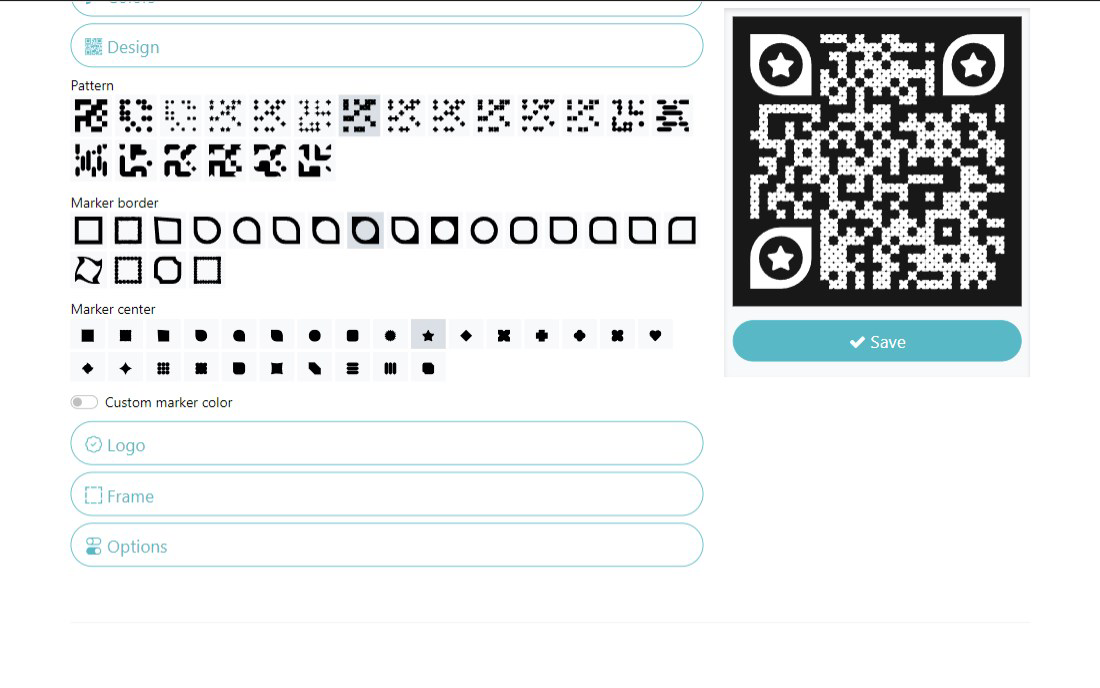
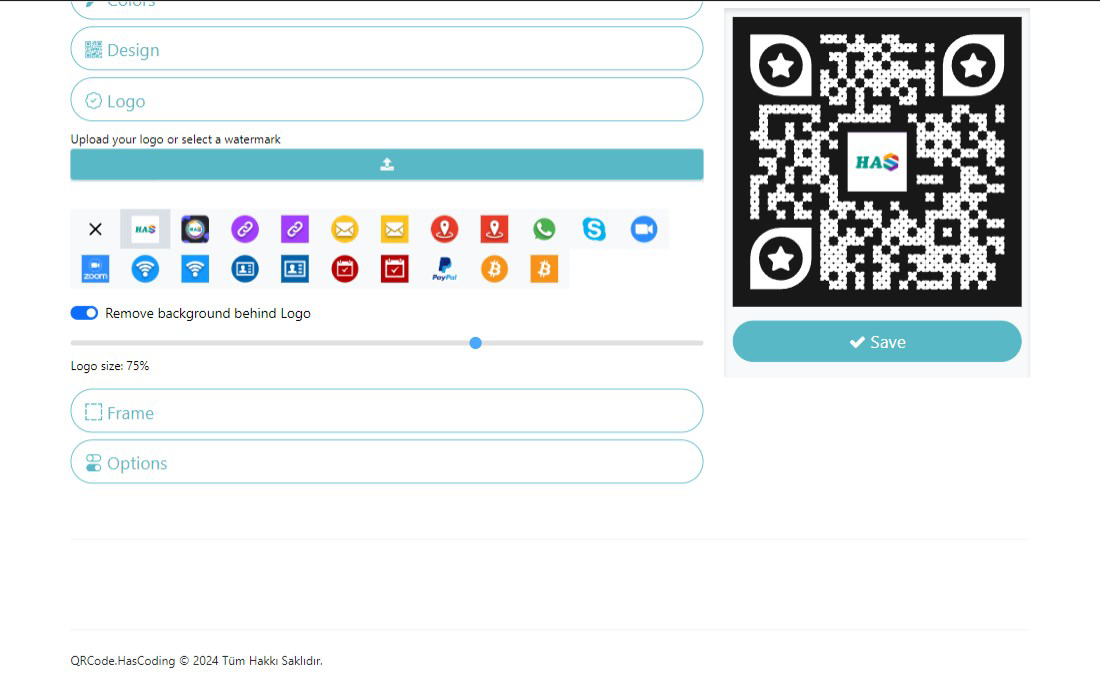
App details
- Updated
- 2024-11-04T12:05:32.7197983Z
- Requires
- Windows 10 version 19041.0 or higher
- Language
- Arabic 11 moreLanguagesArabicChineseEngl...
- Developer
- Hasan ERYILMAZ
- Category
- Mobile
SoftPas in:
This product is also available in the following languages:
About QR Master - QR Code Generator
Download QR Master - QR Code Generator – QR Code Generator, QR Code Tool, Create QR Codes, QR Code App, QR Code Maker
Overview
QR Master - QR Code Generator is a dedicated mobile utility designed to simplify the creation of QR codes for a wide range of digital purposes. The app enables users to generate QR codes for links, text, email addresses, locations, and other common data types, making it a practical tool for both personal and professional use. Its core function—transforming information into scannable QR codes—addresses the growing need for quick, contactless digital interactions in everyday life. From sharing business cards at networking events to directing customers to a website, QR Master streamlines how individuals and organizations connect in the digital space.
Target users include small business owners, marketers, educators, and individuals seeking efficient ways to distribute digital content. The app’s versatility supports use cases such as event signage, product labeling, classroom materials, and social media promotion. While the developer, QR Master, has not provided additional background details, the app’s focused functionality suggests a clear intent to deliver a reliable, no-frills QR code solution. In the broader app ecosystem, QR Master fills a niche for lightweight, fast, and accessible tools that support digital interoperability without requiring complex setup or subscription models.
Key Features & Functionality
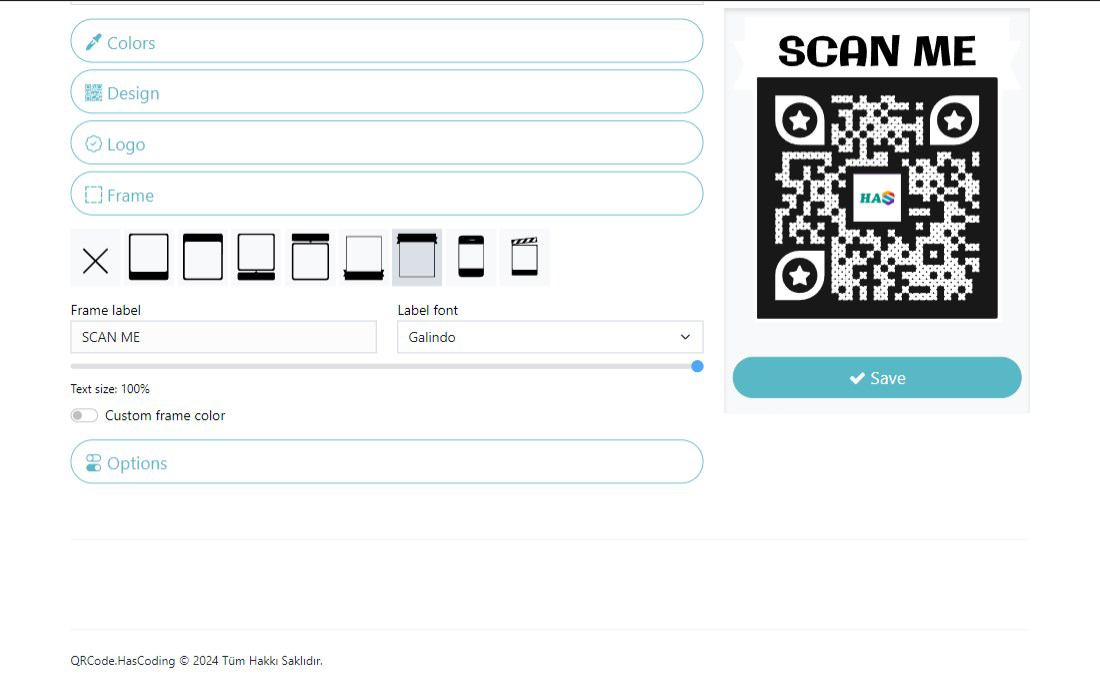
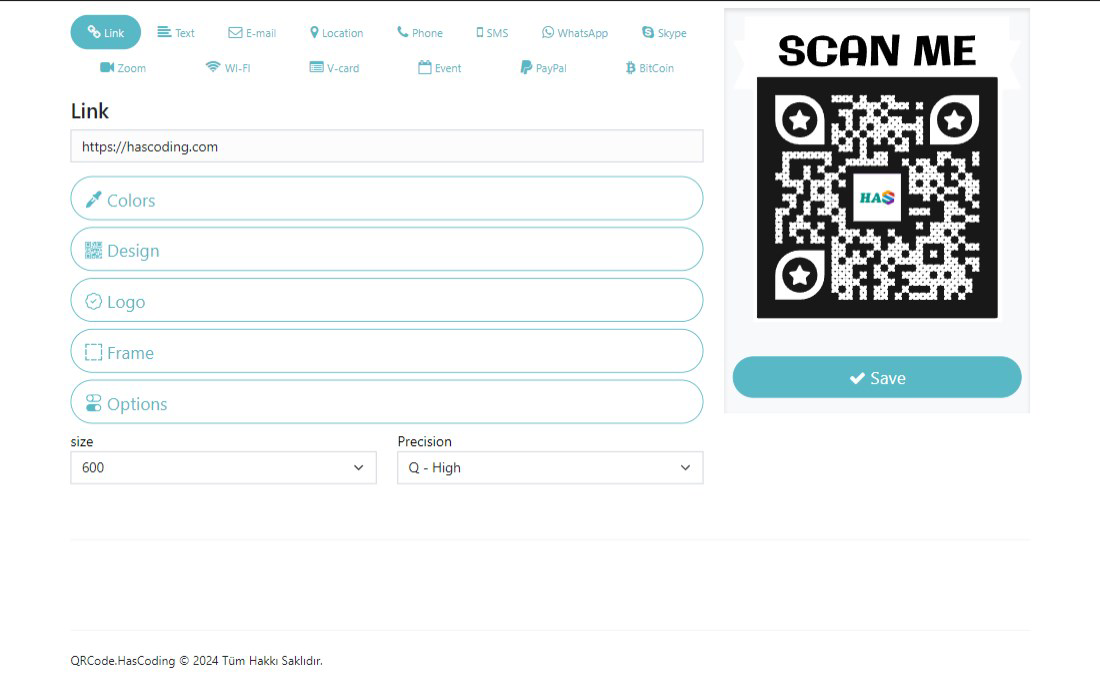
- Multiple QR Code Categories: Users can generate QR codes for websites, plain text, email addresses, phone numbers, calendar events, Wi-Fi networks, and geographic locations. This flexibility ensures that the app can be used across diverse scenarios, from marketing campaigns to personal organization.
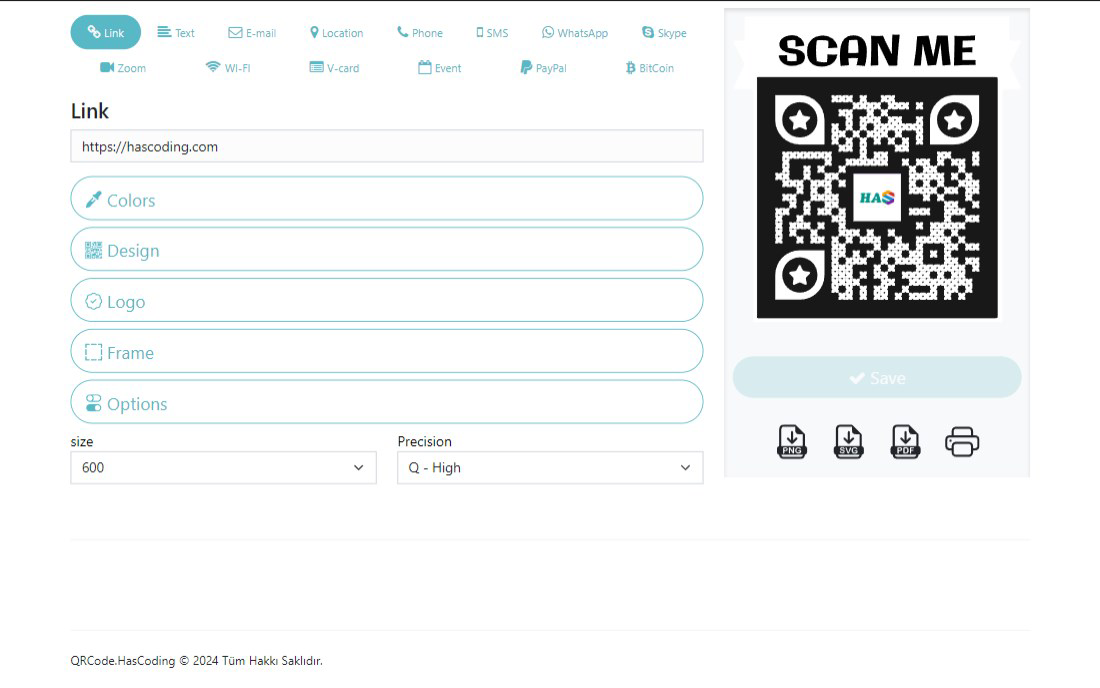
- User-Friendly Interface: The app features a clean, intuitive layout that allows users to select a code type, input their data, and generate a QR code in just a few taps. Navigation is straightforward, minimizing the learning curve for first-time users.
- Quick Saving and Sharing: After generation, QR codes can be saved directly to the device’s gallery or shared instantly via messaging apps, email, social media, or cloud services. This functionality enhances usability in fast-paced environments.
- Fast Processing Time: The app generates QR codes almost instantly, with minimal delay between input and output. This efficiency is ideal for on-the-go use, such as at trade shows, retail locations, or educational workshops.
- Effective Connection Building: By enabling seamless digital handoffs, QR Master helps users foster engagement through instant access to information, whether for promotional content, contact details, or digital documents.
Interface, UX & Performance
The user interface of QR Master is designed with clarity and simplicity in mind. The main screen presents clearly labeled options for different QR code types, allowing users to quickly identify the appropriate category for their input. Visual feedback is immediate—once data is entered, the QR code appears in real time, with no lag or loading indicators. Navigation between features is consistent and predictable, reducing the risk of user error.
Although the developer did not list formal performance metrics, the app demonstrates responsive behavior across various screen sizes and device categories. The interface remains stable during repeated use, with no reported crashes or freezes in available user feedback. The minimalistic design avoids visual clutter, focusing attention on the core function: generating and managing QR codes. The app’s lightweight footprint—12.5 MB—suggests efficient memory usage and fast load times, which is particularly beneficial on lower-end Android devices. Overall, the user experience reflects a mature, well-optimized tool built for everyday reliability.
Platform Compatibility & Technical Requirements
QR Master - QR Code Generator is available exclusively on the Android platform. The current version is 1.2.0, with a file size of 12.5 MB. While the developer did not specify minimum OS requirements, the app’s lightweight design suggests compatibility with a broad range of Android devices released in the past few years. Users should expect smooth performance on devices running Android 6.0 (Marshmallow) or later, though this is not officially confirmed. The app does not require root access or special permissions beyond standard storage and camera access for saving and scanning QR codes, respectively.
Compatibility information was not fully disclosed. The developer did not list specific hardware or software requirements, nor did they provide details on supported screen densities or API levels. However, the app’s small size and straightforward functionality indicate broad accessibility across mid-range and entry-level Android smartphones.
Pros and Cons
Pros
- Fast and efficient QR code generation with minimal input steps.
- Supports multiple data types, enhancing versatility for personal and professional use.
- Intuitive interface designed for users of all technical skill levels.
- Lightweight file size ensures quick installation and minimal storage usage.
- Free to download and use with no in-app purchases or ads reported.
Cons
- Platform availability is limited to Android; no iOS version is currently available.
- Specific OS version requirements were not disclosed by the developer.
- Advanced customization options (e.g., color, logo embedding) were not mentioned in the provided information.
- No cloud sync or backup feature was indicated for saved QR codes.
- Developer did not provide detailed technical documentation or support channels.
FAQ
Is QR Master available on iOS?
As of now, the app is only available on the Android platform. There is no official iOS version reported.
Can I edit a QR code after it’s been generated?
The app does not specify editing capabilities for existing QR codes. Users must regenerate a new code if changes are needed.
Is QR Master safe to download?
Yes, the app is free and available through official Android channels. It does not require root access and operates within standard app permissions.
Do I need an internet connection to use QR Master?
Yes, the app requires an internet connection to generate QR codes, as it processes data locally but may use online services for validation or rendering.
How often is QR Master updated?
The app was last updated on November 4, 2024. Regular updates are likely, but the frequency has not been disclosed by the developer.
Final Thoughts
QR Master - QR Code Generator delivers a focused, efficient solution for users who need to create and share QR codes quickly and reliably. Its clean interface, broad functionality, and free access make it a standout choice in the productivity category. Whether you're a small business owner promoting a new product, a teacher distributing digital handouts, or an individual sharing contact details, this app simplifies the process with minimal friction.
While it lacks advanced customization and cross-platform availability, its core strengths—speed, simplicity, and versatility—make it a valuable tool in the digital toolkit. For Android users seeking a dependable QR code maker without unnecessary complexity, QR Master offers real-world utility and excellent value.
Download QR Master now
Guides & Tutorials
How to install QR Master - QR Code Generator
- Click the Download button above.
- Once redirected, accept the terms and click Install.
- Wait for the QR Master - QR Code Generator download to finish on your device.
How to use QR Master - QR Code Generator
This software is primarily used for its core features described above. Open the app after installation to explore its capabilities.
User Reviews
No reviews yet. Be the first to share your experience.
You may also like
more
Que no te pillen¡
About !Que no te pillen¡Reviewed by Jason A. BilbreyShow MoreShow Less

3D Combat Zone
About 3D Combat ZoneOriginally released in 1983, 3D Combat Zone immerses players...

666: El día del portal
About 666: El día del portalOn June 6, 2006, Agent P. Stone uncovers a sinister...

80 in 1 Best Flash games
About 80 in 1 Best Flash games 80 in 1 Best Flash games is a collection of 80 fl...

ABYSS SEEKERーーWhat Do You See Deep in The Abyss
About ABYSS SEEKERーーWhat Do You See Deep in The AbyssIn ABYSS SEEKER, players...

ACA NEOGEO THE KING OF FIGHTERS 2002 for Windows
About ACA NEOGEO THE KING OF FIGHTERS 2002 for WindowsTHE KING OF FIGHTERS 2002,...